Create SVG Files For Laser Cutting
Convert artwork, logos and graphics into scalable SVG files suitable for laser cutting, CNC and fabrication workflows.
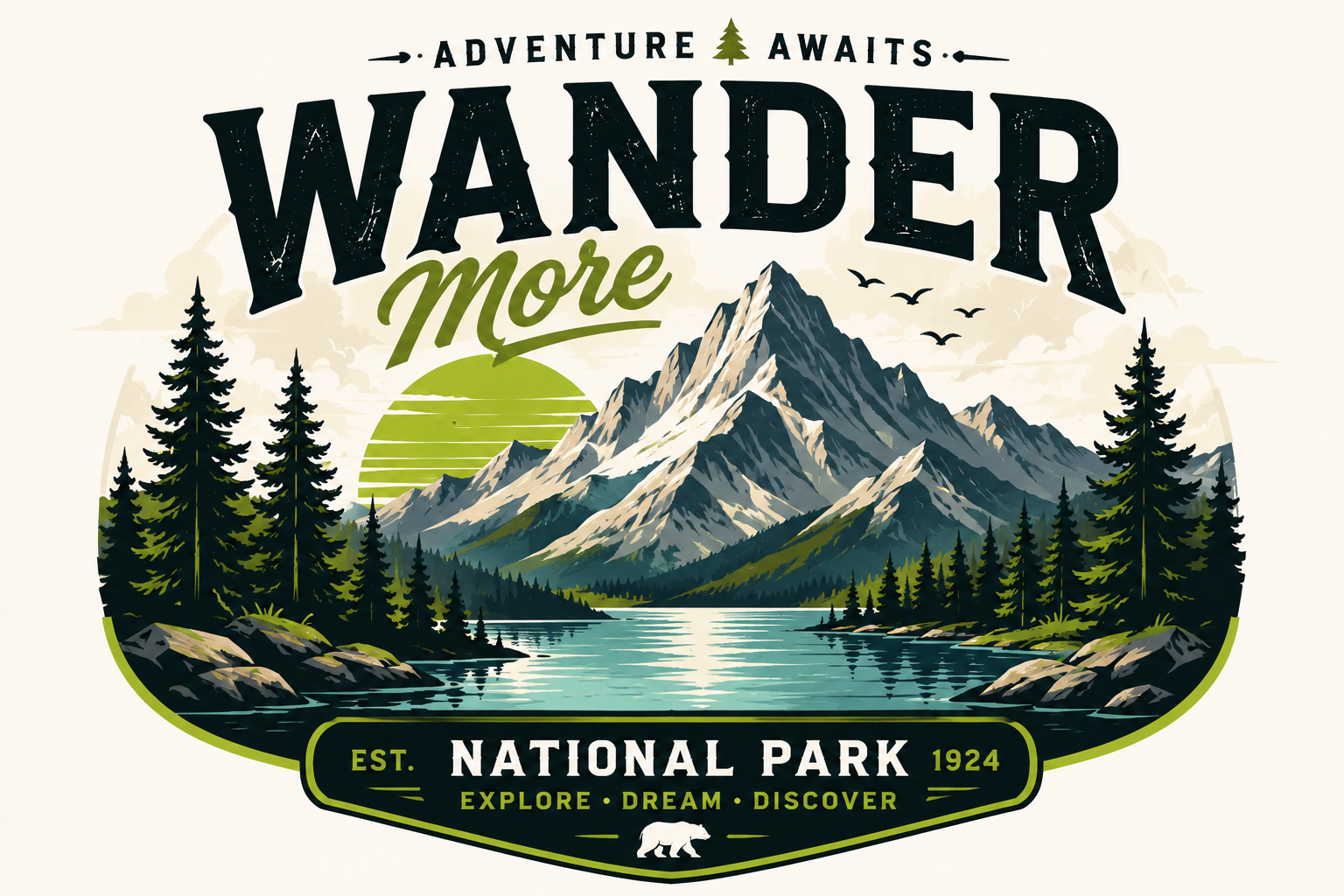
Convert Any Image in 3 Steps
Upload an image. SVG Magic Studio converts it automatically. Download a clean SVG file ready for production.
Upload Image
Drag and drop your JPG, PNG, WEBP, GIF or BMP — up to 10MB. Logos, icons, illustrations all welcome.
Convert
Our AI traces edges and shapes into precise vector paths with clean anchor points and smooth curves.
Download SVG
Grab your scalable SVG instantly. Use it in Figma, Illustrator, your website or production code.
Laser-Ready SVG Conversion Made Simple
Convert artwork into clean SVG files with precise vector paths for laser cutting, CNC and fabrication.
AI-Powered SVG Conversion
Convert raster images into SVG automatically.
Clean SVG Output
Smooth curves and optimized vector paths.
Fast Conversion
Most files convert in seconds.
Infinite Scalability
Resize without quality loss.
Works Everywhere
Compatible with Cricut, Figma, Illustrator and Inkscape.
Secure Processing
Private and secure file handling.
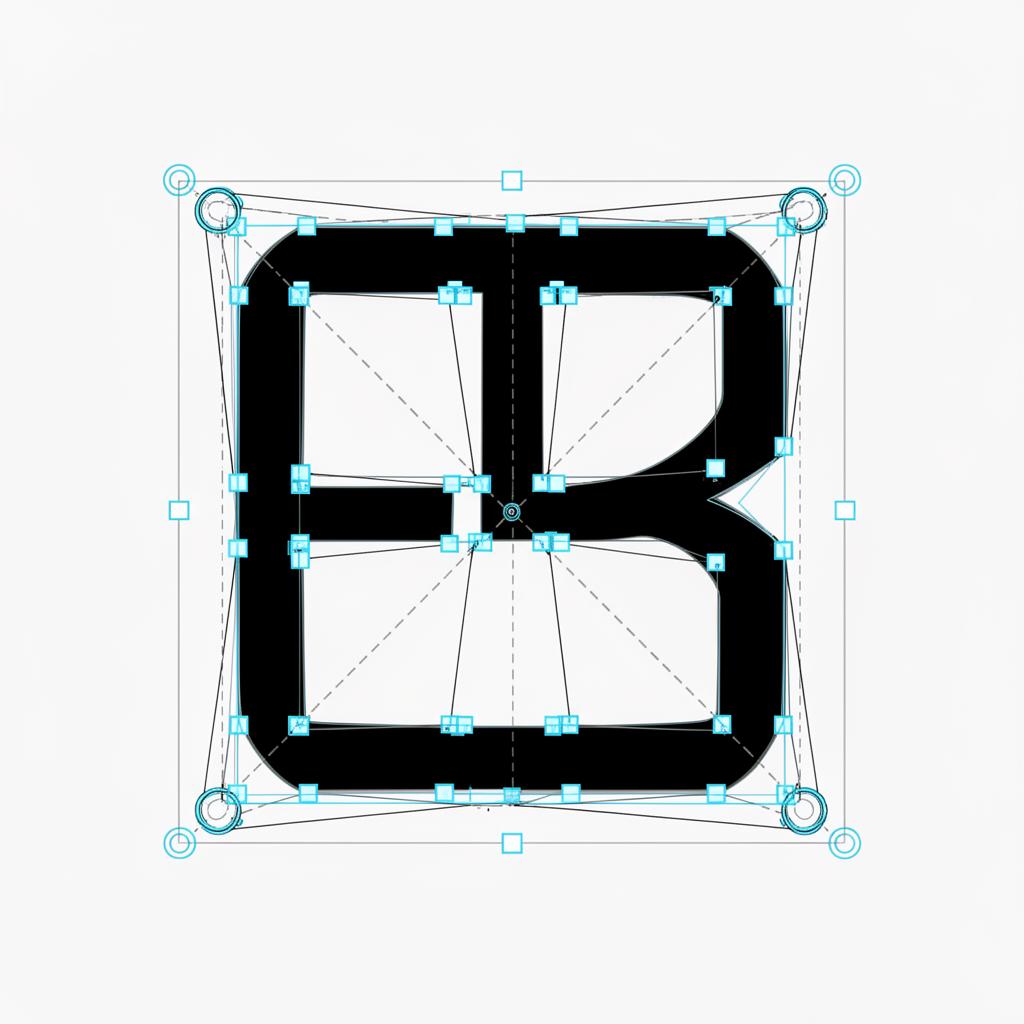
Real SVG output. Anchor points and Bezier handles visible.
Laser Cutting SVG Examples
From signs to custom parts — generate laser-ready SVG files in seconds.
Signs
Convert sign artwork into laser-ready SVG files for storefronts and decor.
Wall Art
Turn illustrations into scalable SVGs ready to cut into wood, acrylic or metal.
Wood Projects
Generate clean SVG cut files for woodworking, joinery and craft projects.
Metal Engraving
Create vector files optimized for metal engraving and fiber laser workflows.
Custom Parts
Convert technical drawings into SVG files for cutting custom parts and prototypes.
Decorative Patterns
Vectorize patterns and ornaments for decorative laser cutting.
One Plan. Everything Included.
299 SVG conversions per month. Up to 30 per day. Unlimited SVG downloads. No credits. No upsells.
Monthly Membership
- 299 SVG conversions per month
- Up to 30 SVG conversions per day
- Unlimited SVG downloads
- All supported formats (JPG, PNG, WEBP, GIF, BMP)
- Commercial usage included
- Secure private processing
- Cancel anytime
By subscribing you agree to our Terms and no-refunds policy.
Frequently Asked Questions
Are SVG files used for laser cutting?
Yes. SVG is one of the most common formats for laser cutting because vector paths translate directly into precise cut lines.
Can SVG files be used with Glowforge?
Yes. SVG files generated by SVG Magic Studio import directly into Glowforge and other laser cutting software.
Can SVG files be used with CNC machines?
Yes. SVG files are widely supported across CNC and fabrication workflows. Clean vector paths produce accurate tool paths for cutting and engraving.
Why are vector files important for laser cutting?
Laser cutters follow vector paths. Raster files like JPG or PNG can't be cut directly — they need to be converted into clean vector SVG files first.
Can I create laser-ready SVG files online?
Yes. SVG Magic Studio generates laser-ready SVG files in your browser — no installed software or vector editor required.
Create Your Laser-Ready SVG
Upload your artwork and download a laser-ready SVG instantly.
Start Converting