Convert Any Image Into SVG
Convert JPG, PNG, WEBP, GIF and BMP files into clean SVGs in seconds. Perfect for logos, Cricut projects, laser cutting, print production and digital products.
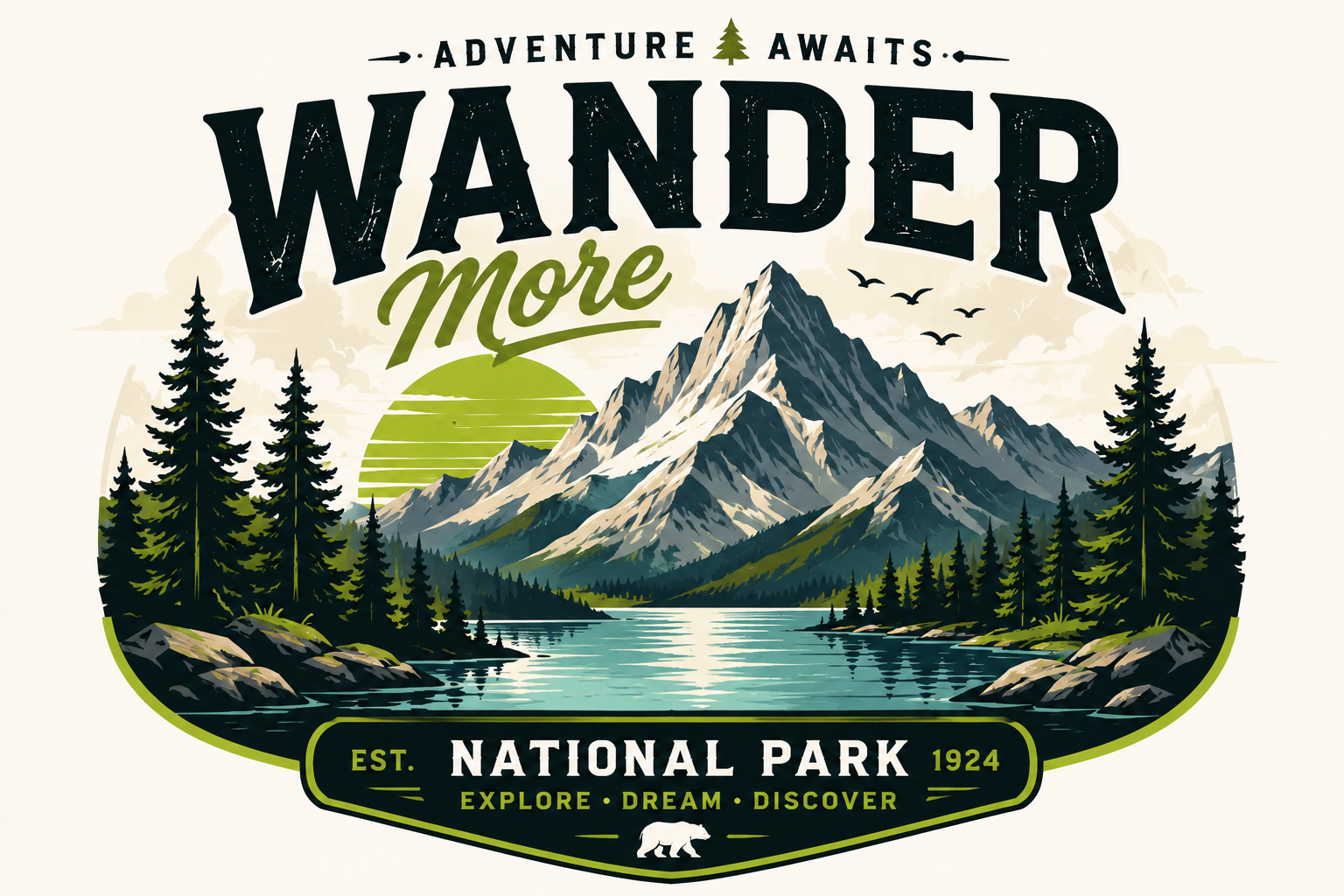
Convert Any Image in 3 Steps
Upload an image. SVG Magic Studio converts it automatically. Download a clean SVG file ready for production.
Upload Image
Drag and drop your JPG, PNG, WEBP, GIF or BMP — up to 10MB. Logos, icons, illustrations all welcome.
Convert
Our AI traces edges and shapes into precise vector paths with clean anchor points and smooth curves.
Download SVG
Grab your scalable SVG instantly. Use it in Figma, Illustrator, your website or production code.
PNG To SVG And JPG To SVG Conversion Made Simple
Convert logos, icons, illustrations and artwork into scalable SVG files without manual tracing or complex software.
AI-Powered SVG Conversion
Convert raster images into SVG automatically.
Clean SVG Output
Smooth curves and optimized vector paths.
Fast Conversion
Most files convert in seconds.
Infinite Scalability
Resize without quality loss.
Works Everywhere
Compatible with Cricut, Figma, Illustrator and Inkscape.
Secure Processing
Private and secure file handling.
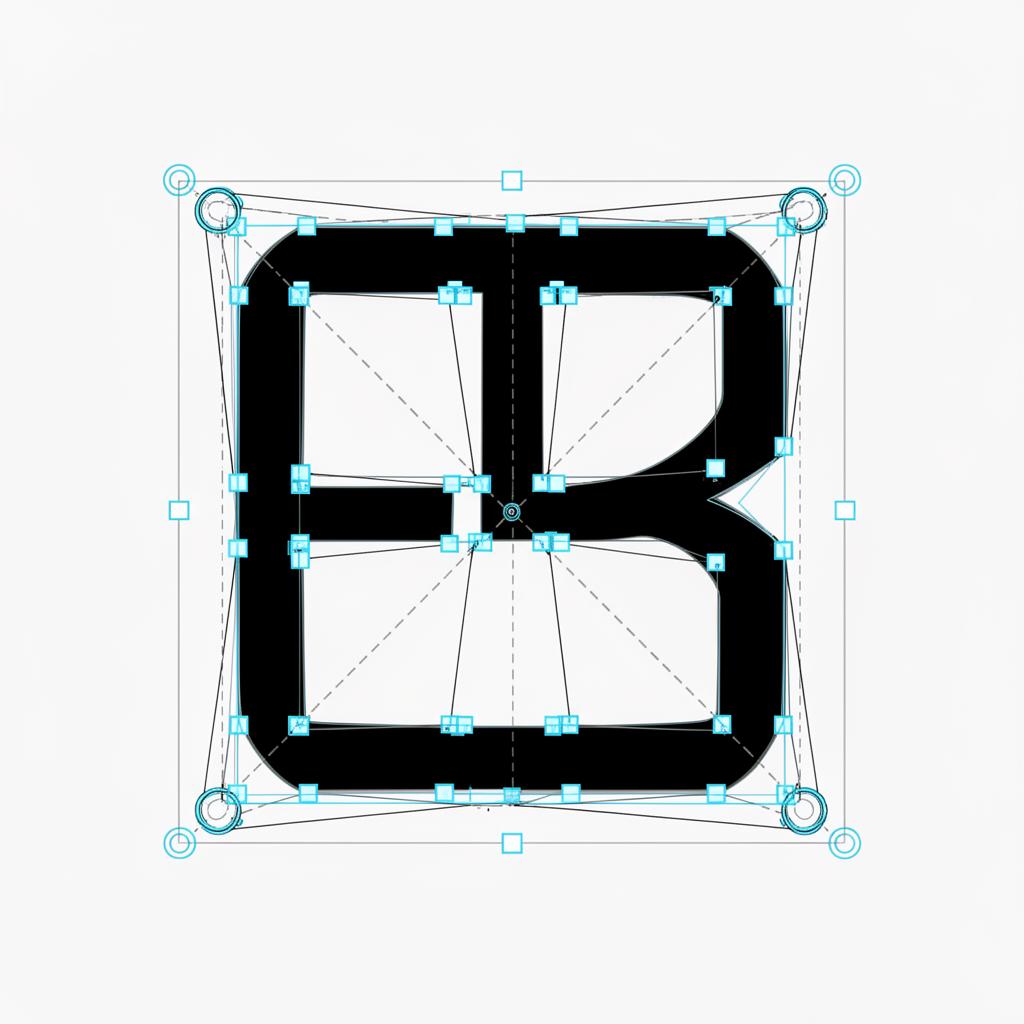
Real SVG output. Anchor points and Bezier handles visible.
Convert PNG, JPG, Logos And Artwork To SVG
Designers, makers and sellers use SVG Magic Studio every day to ship scalable graphics fast.
Convert Logos To SVG
Transform low-resolution logos into scalable vector graphics.
PNG To SVG
Convert PNG artwork into clean editable SVG files.
JPG To SVG
Turn raster images into scalable vector artwork.
Cricut SVG Files
Generate cut-ready SVG files for Cricut projects.
Laser Cutting Files
Create vector files optimized for cutting and engraving.
Etsy Digital Products
Convert artwork into SVG assets ready to sell.
One Plan. Everything Included.
299 SVG conversions per month. Up to 30 per day. Unlimited SVG downloads. No credits. No upsells.
Monthly Membership
- 299 SVG conversions per month
- Up to 30 SVG conversions per day
- Unlimited SVG downloads
- All supported formats (JPG, PNG, WEBP, GIF, BMP)
- Commercial usage included
- Secure private processing
- Cancel anytime
By subscribing you agree to our Terms and no-refunds policy.
Frequently Asked Questions
How do I convert PNG to SVG?
Upload your PNG file and SVG Magic Studio automatically converts it into a clean, scalable SVG. No design software or manual tracing required.
How do I convert JPG to SVG?
Upload any JPG or JPEG image and our AI generates a vector SVG version with smooth paths and scalable output ready for production.
Can I convert a logo to SVG?
Yes. SVG Magic Studio is ideal for converting logos into scalable vector files that stay sharp at any size and work for print, web and branding projects.
What is an SVG file?
SVG stands for Scalable Vector Graphics. Unlike PNG or JPG files, SVGs can be resized infinitely without losing quality, making them ideal for logos, illustrations and production assets.
Can I use SVG files with Cricut?
Yes. SVG files generated by SVG Magic Studio work with Cricut Design Space and can be used for cutting, crafting and DIY projects.
Can I use SVG files for laser cutting?
Yes. SVG files are commonly used with laser cutters and CNC workflows because they contain clean vector paths that can be scaled without quality loss.
What image formats are supported?
SVG Magic Studio supports JPG, JPEG, PNG, WEBP, GIF and BMP files up to 10MB.
Can I use the generated SVG commercially?
Yes. Every SVG you create can be used for client work, branding, commercial products, digital products and marketplace listings.
Do you store my images?
Files are processed securely. Original uploads are not retained after conversion and generated SVG files remain available in your account for a limited period.
Can I cancel my subscription anytime?
Yes. You can cancel your subscription at any time and continue using your plan until the end of the current billing cycle.
Convert PNG Or JPG To SVG In Seconds
Upload your image and download a clean SVG in seconds.
Start Converting