How To Make SVG Files For Etsy
Turn any image into a clean, marketplace-ready SVG you can sell as an Etsy digital download — no Illustrator, no manual tracing.
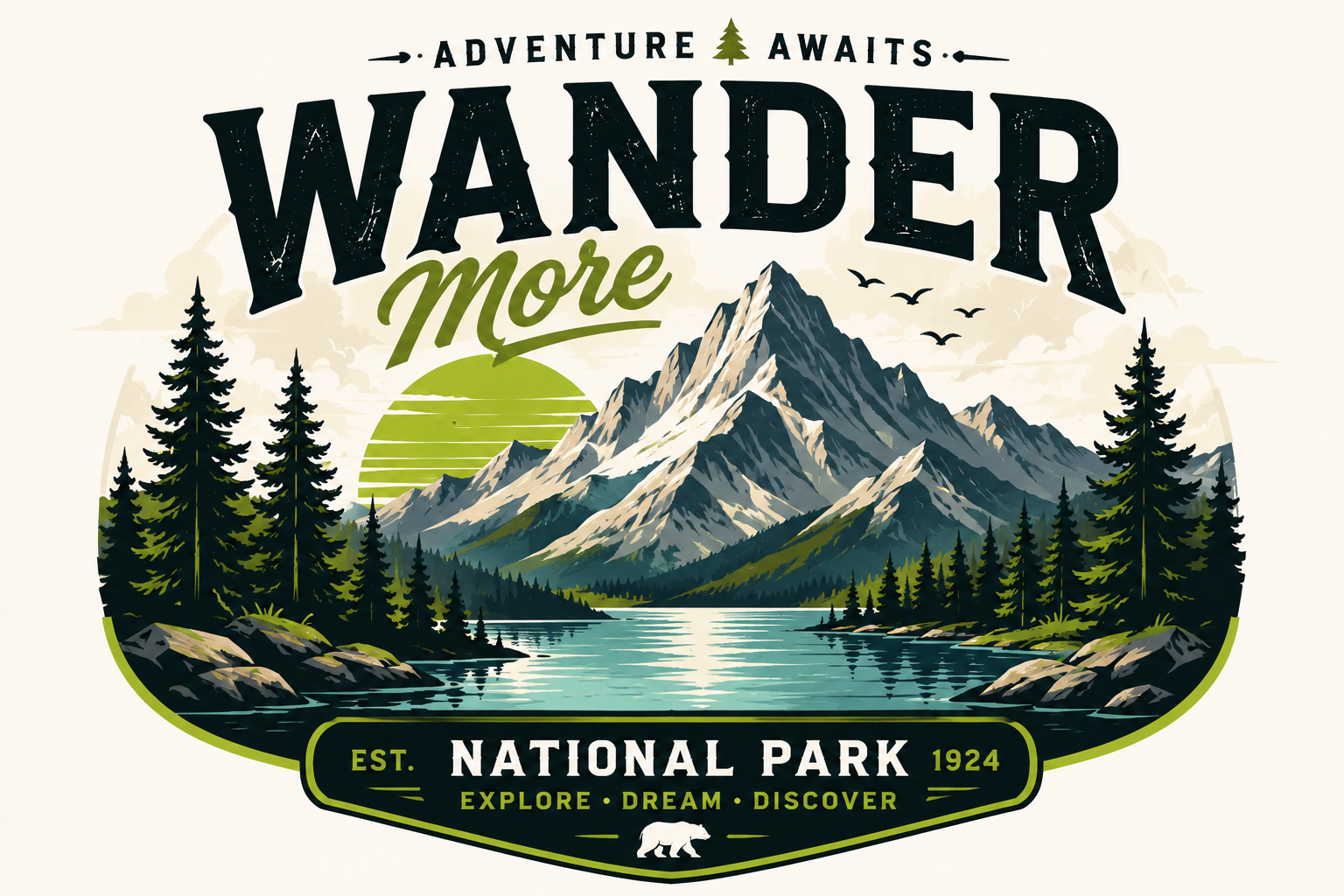
Convert Any Image in 3 Steps
Upload an image. SVG Magic Studio converts it automatically. Download a clean SVG file ready for production.
Upload Image
Drag and drop your JPG, PNG, WEBP, GIF or BMP — up to 10MB. Logos, icons, illustrations all welcome.
Convert
Our AI traces edges and shapes into precise vector paths with clean anchor points and smooth curves.
Download SVG
Grab your scalable SVG instantly. Use it in Figma, Illustrator, your website or production code.
The Etsy Seller Workflow
Upload your artwork, let the AI trace it into clean vector paths, then download an SVG ready to list. Each file works in Cricut Design Space, Silhouette Studio, Illustrator and Inkscape — the tools your buyers actually use.
AI-Powered SVG Conversion
Convert raster images into SVG automatically.
Clean SVG Output
Smooth curves and optimized vector paths.
Fast Conversion
Most files convert in seconds.
Infinite Scalability
Resize without quality loss.
Works Everywhere
Compatible with Cricut, Figma, Illustrator and Inkscape.
Secure Processing
Private and secure file handling.
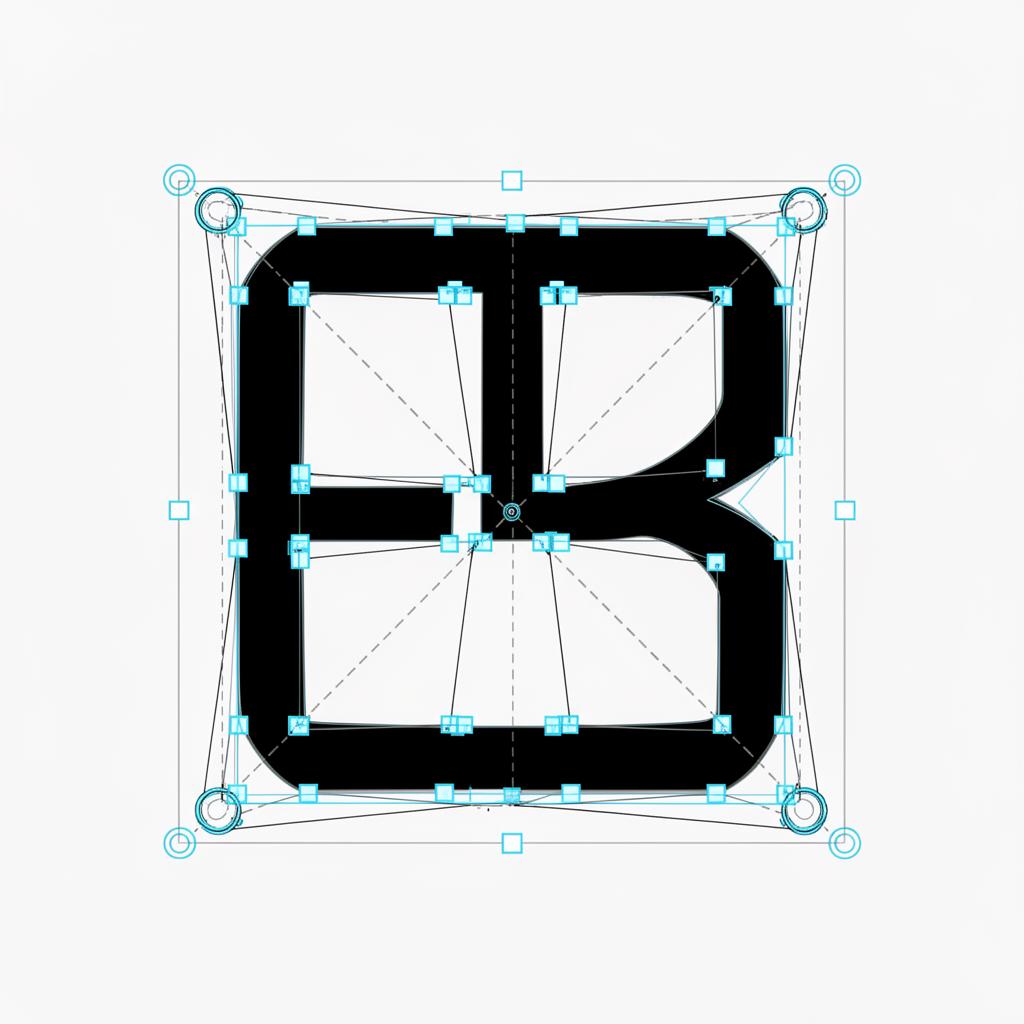
Real SVG output. Anchor points and Bezier handles visible.
Popular Etsy SVG Products
From sticker packs to seasonal bundles — generate SVG files your buyers can cut, print and customize.
Digital Downloads
Turn artwork into SVG files ready to list as Etsy digital products.
Sticker Designs
Convert sticker art into clean SVGs perfect for print-on-demand shops.
Print Bundles
Build SVG bundles for shirts, mugs and tumblers your Etsy buyers can cut.
Seasonal Drops
Generate holiday SVG packs ready for new Etsy listings each season.
Hand-Drawn Art
Convert your sketches and illustrations into sellable SVG cut files.
Shop Branding
Vectorize your shop logo and brand marks into crisp SVGs for listings.
One Plan. Everything Included.
299 SVG conversions per month. Up to 30 per day. Unlimited SVG downloads. No credits. No upsells.
Monthly Membership
- 299 SVG conversions per month
- Up to 30 SVG conversions per day
- Unlimited SVG downloads
- All supported formats (JPG, PNG, WEBP, GIF, BMP)
- Commercial usage included
- Secure private processing
- Cancel anytime
By subscribing you agree to our Terms and no-refunds policy.
Frequently Asked Questions
How do I make an SVG file to sell on Etsy?
Upload your artwork to SVG Magic Studio and download a clean SVG file. The output is a true vector ready to list as a digital product or bundle on Etsy.
Can I sell SVG files made with SVG Magic Studio on Etsy?
Yes. SVG files you generate can be sold commercially on Etsy and other marketplaces as digital downloads.
What SVG format do Etsy buyers expect?
Etsy buyers expect clean, scalable SVG files that open in Cricut Design Space, Silhouette Studio, Illustrator and Inkscape. Every SVG from SVG Magic Studio is optimized for that.
Do I need Illustrator or Inkscape to create SVGs for Etsy?
No. SVG Magic Studio creates Etsy-ready SVG files in your browser — no design software or vector experience required.
How do I make an SVG image from a PNG or JPG?
Drag your PNG, JPG, WEBP, GIF or BMP into SVG Magic Studio. Our AI traces it into a clean vector SVG you can list on Etsy in minutes.
Create Your Next Etsy SVG Listing
Upload your design and download a buyer-ready SVG in seconds.
Start Converting