Convert PNG To SVG In Seconds
Transform PNG images into clean, scalable SVG files automatically. Perfect for logos, icons, Cricut projects, laser cutting and professional design work.
Convert Any Image in 3 Steps
Upload an image. SVG Magic Studio converts it automatically. Download a clean SVG file ready for production.
Upload Image
Drag and drop your JPG, PNG, WEBP, GIF or BMP — up to 10MB. Logos, icons, illustrations all welcome.
Convert
Our AI traces edges and shapes into precise vector paths with clean anchor points and smooth curves.
Download SVG
Grab your scalable SVG instantly. Use it in Figma, Illustrator, your website or production code.
PNG To SVG Conversion Made Simple
Convert PNG logos, icons, illustrations and artwork into scalable SVG files without manual tracing or complex software.
AI-Powered SVG Conversion
Convert raster images into SVG automatically.
Clean SVG Output
Smooth curves and optimized vector paths.
Fast Conversion
Most files convert in seconds.
Infinite Scalability
Resize without quality loss.
Works Everywhere
Compatible with Cricut, Figma, Illustrator and Inkscape.
Secure Processing
Private and secure file handling.
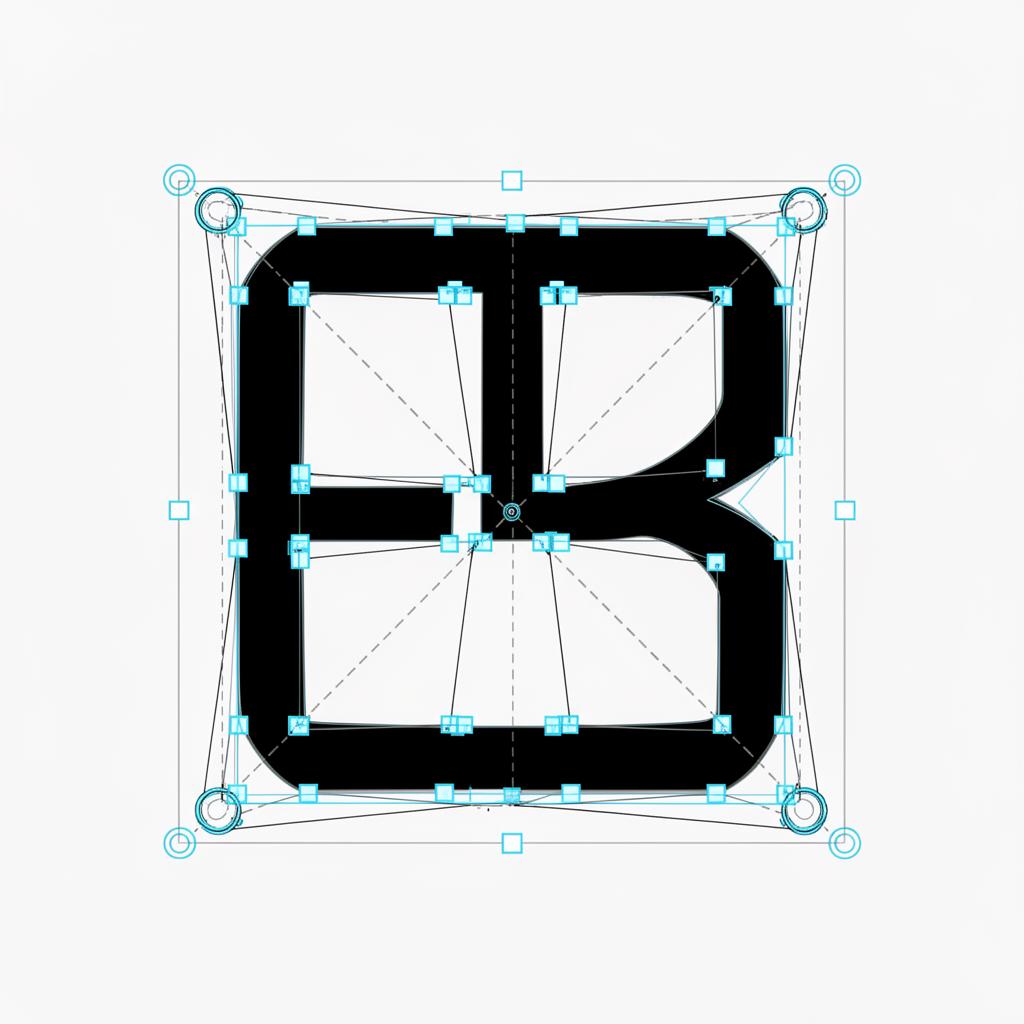
Real SVG output. Anchor points and Bezier handles visible.
PNG To SVG Examples
Designers, makers and sellers use SVG Magic Studio every day to ship scalable graphics fast.
Convert Logos To SVG
Transform low-resolution logos into scalable vector graphics.
PNG To SVG
Convert PNG artwork into clean editable SVG files.
JPG To SVG
Turn raster images into scalable vector artwork.
Cricut SVG Files
Generate cut-ready SVG files for Cricut projects.
Laser Cutting Files
Create vector files optimized for cutting and engraving.
Etsy Digital Products
Convert artwork into SVG assets ready to sell.
One Plan. Everything Included.
299 SVG conversions per month. Up to 30 per day. Unlimited SVG downloads. No credits. No upsells.
Monthly Membership
- 299 SVG conversions per month
- Up to 30 SVG conversions per day
- Unlimited SVG downloads
- All supported formats (JPG, PNG, WEBP, GIF, BMP)
- Commercial usage included
- Secure private processing
- Cancel anytime
By subscribing you agree to our Terms and no-refunds policy.
Frequently Asked Questions
How do I convert PNG to SVG?
Upload your PNG file and SVG Magic Studio automatically converts it into a clean, scalable SVG in seconds. No design software or manual tracing required.
What is the best PNG to SVG converter?
SVG Magic Studio is built specifically for PNG to SVG conversion. AI-powered tracing produces smooth vector paths from logos, icons and artwork without manual cleanup.
Can I convert transparent PNG files?
Yes. Transparent PNGs are fully supported. The transparent background is preserved in the generated SVG so it drops cleanly into any design.
Can I use PNG to SVG files in Cricut?
Yes. SVG files generated from your PNG uploads import directly into Cricut Design Space for cutting, crafting and DIY projects.
Can I use PNG to SVG files commercially?
Yes. Every SVG you generate can be used for client work, branding, commercial products, marketplaces and digital products.